


The 1xBet Android app gives Singapore users direct access to sports betting and casino play. One login covers pre-match lines, in-play markets, and live casino tables. The interface stays compact on small screens. Core tools sit in fixed menus. Betting slips, cash desk, and account settings are reachable in a few taps.
Android installation uses an APK file from the official site. The app runs on Android 5.0+ devices. The APK payload is usually 50–80 MB, depending on build. Updates arrive regularly to patch stability and security. Singapore users can place bets in SGD and manage bankroll controls inside the app.
Why Choose the 1xBet App for Android in Singapore
The app concentrates sportsbook and casino functions in one mobile workspace. Odds pages load fast on LTE and Wi-Fi. Casino titles, live dealer rooms, and bet settlement sit under the same account balance. The 1xbet apk format also helps users install without store gating in some regions.
Interface and Navigation
- Single-screen tabs for Sports, Live, Casino, and Payments.
- Search bar for leagues, teams, and tournaments.
- Quick betslip editing: stake, combo type, and cashout controls.
- Dark mode support on many Android shells.
- Localized time display and event filtering for Singapore users.
Bonuses and SGD Promotions
- SGD wallet support for deposits and bonus credits.
- Promo banners grouped by Sports and Casino sections.
- Bonus terms visible before activation in the promo page.
- Deposit-triggered offers may require minimum stakes in SGD.
- The 1xbet app download for android often shows app-only promo entries.
Live Betting Options
- In-play markets with rapid odds refresh.
- Live statistics panels for major sports.
- Cashout button shown when the market supports it.
- Match trackers for games without video.
- Live streaming on selected events, subject to rights.
Mobile Security and Trust Signals
- HTTPS/SSL transport for sessions and cashier requests.
- Optional 2FA via authenticator-style codes on supported accounts.
- Device-level biometrics when enabled on the phone.
- Auto-logout after inactivity on many builds.
- Regular updates to correct bugs and reduce crash loops.
Technical Snapshot for Android Users
Android users, here’s what you need to know: the app works on devices running Android 5.0 or later. Expect it to use around 50–80 MB of space. To ensure smooth operation, it’s best to have a minimum of 300 MB of free storage available for caching purposes. Updates are sent out regularly, and minor hotfixes are also deployed as needed.
App vs Desktop Site: Functional Contrast
| Feature | Android app | Desktop site |
| Login persistence | Token-based sessions, can use device biometrics | Browser cookies, manual login more common |
| Betting speed | Optimized screens and compact betslip flow | Larger pages, more scrolling on dense markets |
| Alerts | Push notifications for odds and results | Email/browser notifications depend on settings |
| Streaming access | Embedded player when available | Embedded player, often with more screen space |
| Updates | Requires installing the newest build | Updates happen server-side |
The 1xbet download apk route suits Singapore users who prefer mobile-first betting with a single account surface.
How to Download and Install the 1xBet APK
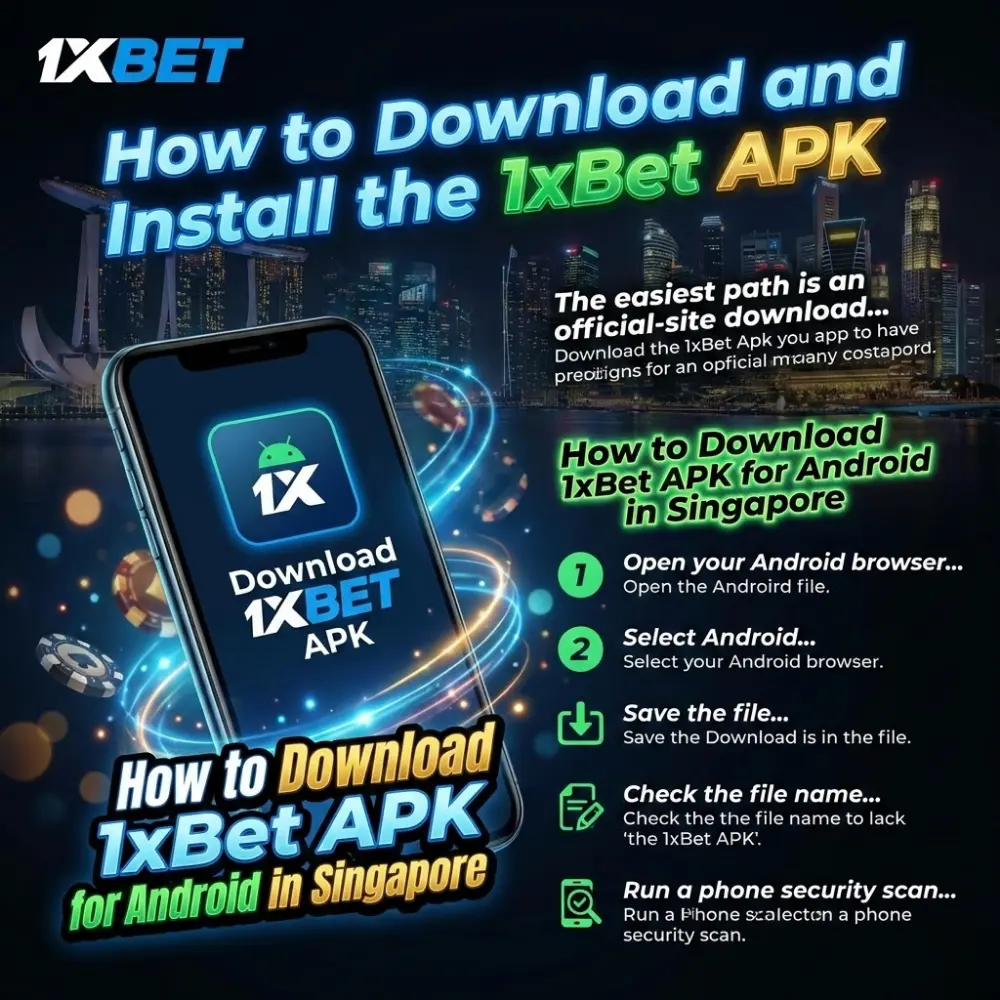
The easiest path is an official-site download of the 1xbet apk download for android file. This avoids altered packages and fake installers. Many public guides list the Android build as v2.1 in the 2026 release cycle, while mirror listings may show different numbering. Use the official page as the reference point for the newest build label and checksum.
How to Download 1xBet APK for Android in Singapore
- Open your Android browser and go to the official 1xBet mobile page.
- Select Android, then start the download 1xbet apk action.
- Save the file to the Downloads folder.
- Check the file name matches the official package pattern.
- Run a phone security scan on the downloaded file.
Enable Unknown Sources Safely
- Open Settings → Security (or Privacy).
- Find Install unknown apps.
- Select your browser or file manager.
- Toggle Allow from this source.
- Disable it again after the install completes.
Install the APK
- Tap the downloaded file to begin install.
- Review requested permissions and continue.
- Wait for the install confirmation.
- Launch the app and choose language.
- Log in or register inside the app shell.

Troubleshooting Common Issues
Troubleshooting the usual suspects: If you get a “App not installed” message, delete any previous versions and give it another shot. A parse error? That usually means the file got corrupted during the download, so try downloading it again. If the installation is blocked, make sure the “unknown apps” permission is turned on. No storage? Clear some space and reboot your phone. And if the app crashes as soon as you open it, update Android WebView and install the latest version of the app.
System Requirements Table
| Spec | Minimum | Recommended |
| Android version | 5.0 | 9.0+ |
| RAM | 1 GB | 2–4 GB |
| Free storage | 300 MB | 1 GB |
| CPU | 1.2 GHz | 2.0+ GHz |
Avoid third-party mirrors for any 1xbet app apk download request. Use the official channel for a clean install of apk 1xbet builds.
Account Registration and Login Security
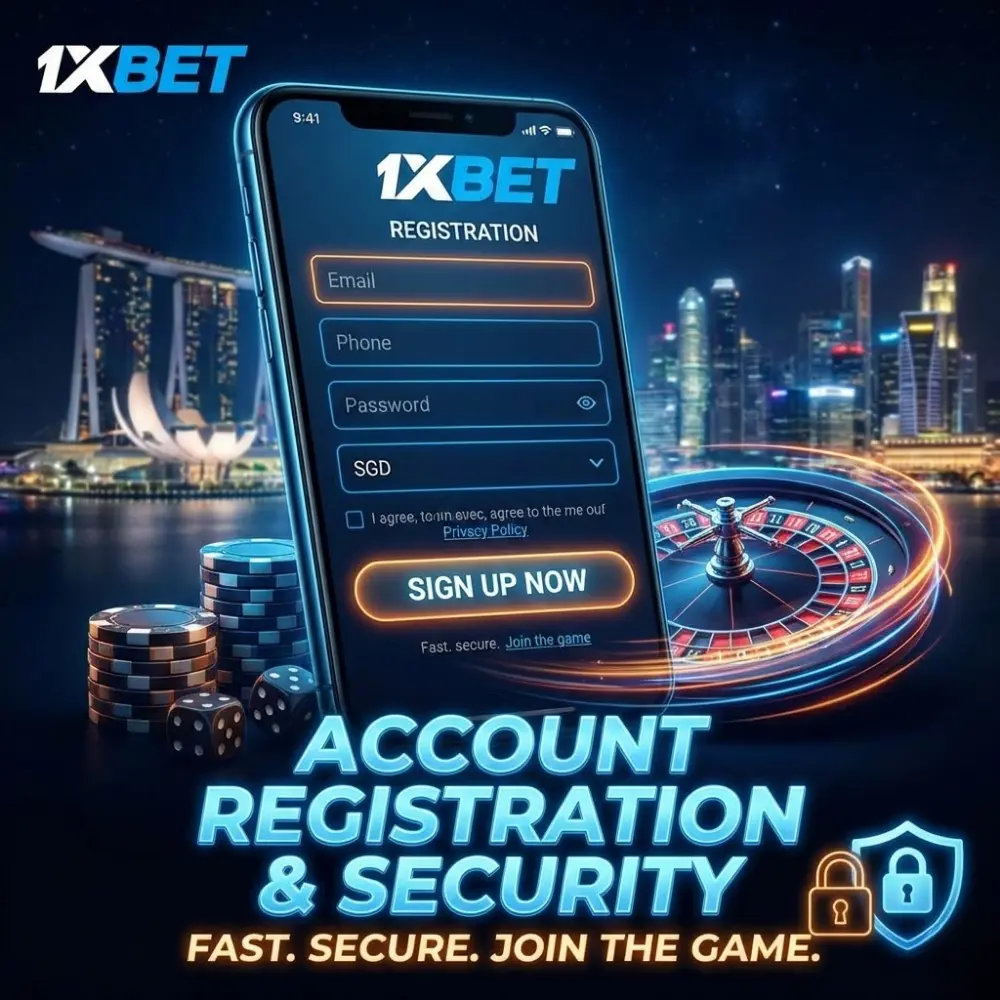
Registration inside the app is fast after the 1xbet app download apk installation. Most users create an account with email or phone, then confirm details for withdrawals. Singapore has strict controls on remote gambling under the Gambling Control Act 2022, with authorised providers regulated by the Gambling Regulatory Authority. Users should check local eligibility and age rules before placing bets.
Sign-Up Steps
- Tap Registration on the start screen.
- Choose Email or Phone sign-up method.
- Set a strong password and currency, including SGD if offered.
- Confirm email or SMS code when prompted.
- Complete profile fields needed for payouts and KYC checks.
Login Methods on Android
- Standard login with email/phone plus password.
- “Remember me” token session, stored in the app sandbox.
- Biometric login if your phone supports it.
- QR or one-time code flows on some builds.
- Quick re-auth prompts after long inactivity.
Security Practices for Singapore Users
For Singapore users, here are some essential security practices to follow. First, if your profile security settings offer it, enable two-factor authentication. Next, always use a unique password; don’t recycle passwords from your social media accounts. Be cautious about using public Wi-Fi, especially when you’re making deposits or withdrawals. Also, make sure your phone is secured with a PIN and biometric authentication. Finally, remember to keep your app updated after each new 1xbet Android download.
Security Features Comparison Table
| Feature | Benefit | How to enable |
| SSL/HTTPS sessions | Encrypts traffic between app and server | Default when using official app build |
| Two-factor authentication | Blocks account takeover with extra code | Profile → Security → 2FA (if available) |
| Biometric login | Prevents casual access on unlocked phones | Android settings + app login settings |
| Auto-logout | Reduces session exposure | Often automatic; shorten inactivity timers if offered |
| Device binding prompts | Flags new devices and abnormal logins | Review notifications; confirm by email/SMS |
Using an official 1xbet apk build reduces tampering risk versus unknown packages.
Deposits, Withdrawals, and Payment Convenience
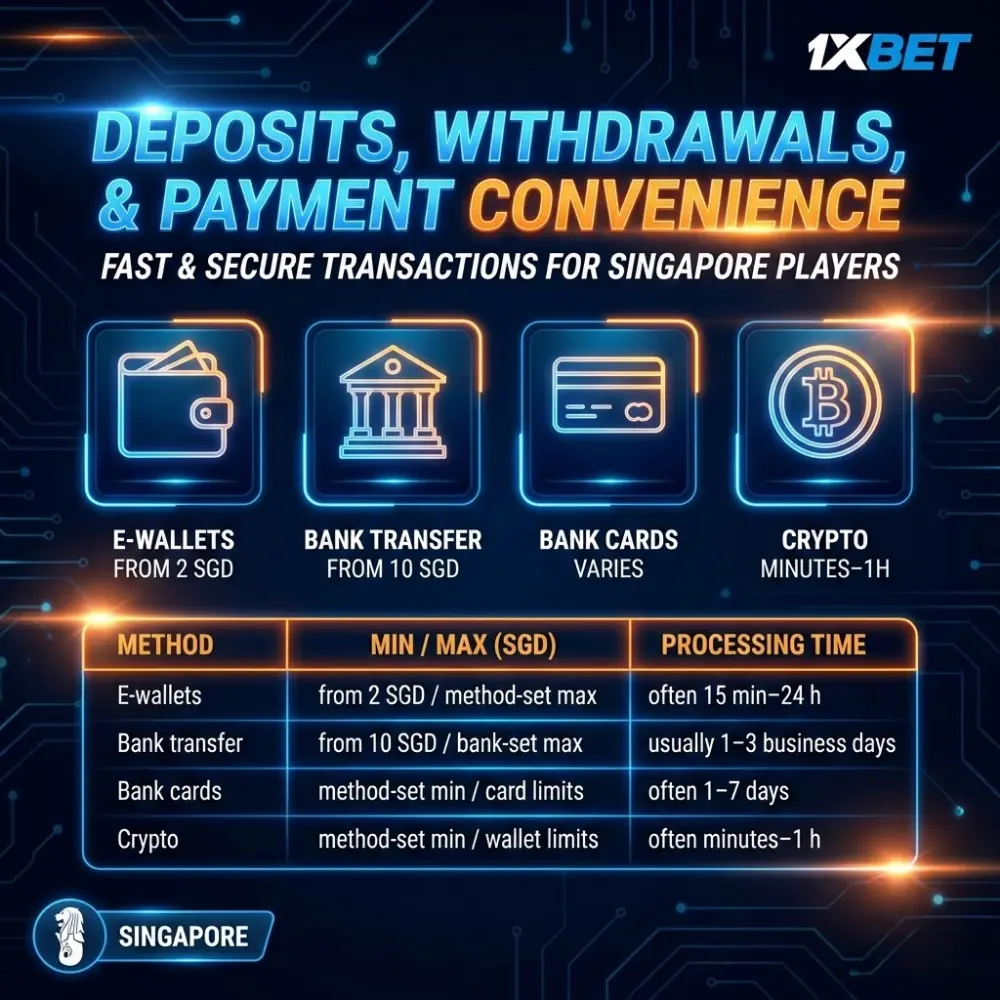
The cashier supports multiple payment rails, and options vary by location and account profile. SGD accounts often show e-wallets, cards, and bank routing, plus alternative methods where available. Minimum deposit values depend on the selected rail. Some Singapore-oriented promos list 2 SGD minimum for sports bonuses and 15 SGD minimum for casino promotions, while bank transfer entries often start at 10 SGD.
Deposit Methods in SGD
- Open Cashier → Deposit inside the app.
- Pick a method shown for your account region.
- Enter an amount that meets the on-screen minimum.
- Confirm details and approve the payment.
- Return to the balance screen and verify crediting.
Withdrawal Process
- Complete identity verification before first cashout.
- Open Cashier → Withdrawal.
- Select the same method type used for deposit when required.
- Enter amount, then confirm payout details.
- Track status in transaction history until paid.
Fees and Timing Notes
Fees and Timing Considerations: The operator might show a 0% fee, but remember, payment providers often tack on their own charges. E-wallet withdrawals tend to be the quickest. Card and bank transfers, on the other hand, can be slower, thanks to the banking system’s processing times. The initial withdrawal might take a bit longer, as verification processes are sometimes required. Plus, bonus wagering stipulations could delay withdrawals until all conditions are met.
Payment Summary Table (SGD-focused examples)
| Method | Min / Max (SGD) | Processing time |
| E-wallets | from 2 SGD / method-set max | often 15 min–24 h after approval |
| Bank transfer | from 10 SGD / bank-set max | usually 1–3 business days |
| Bank cards | method-set min / card limits | often 1–7 days |
| Crypto | method-set min / wallet limits | often minutes–1 h after approval |
Download 1xbet apk steps connect directly to the cashier inside the Android build. The 1xbet apk download for android route also keeps payments inside one mobile screen. The 1xbet app apk download workflow is identical for deposits and cashouts once installed. 1xbet download apk should come from the official mobile page only.

How to Make the Most of the Android App
The 1xbet app download apk build combines betting, casino sessions, and account management in one place. Better results come from clean navigation habits, controlled staking, and using app tools that cut reaction time during live markets. The 1xbet apk download path also enables push alerts that browsers may not deliver.
Navigation Shortcuts
- Pin favorite sports and leagues in the menu.
- Use search for fast event access.
- Filter live events by period, score, and market type.
- Switch between Sports and Casino via the bottom tab bar.
- Keep transaction history open for bankroll tracking.
Placing Bets with Fewer Mistakes
- Open the event and pick the market.
- Check odds format and stake field.
- Confirm bet type: single, accumulator, or system.
- Recheck selection count before confirming.
- Save bet receipt in history for disputes.
Casino Play Controls
Casino Play Controls: Whenever possible, try out the demo mode to get a feel for the slots. If your account settings allow it, set session limits to manage your playtime. Always look for and check the RTP and volatility information when it’s available. When playing live dealer games, make sure the limits are clearly displayed in Singapore dollars. And if your internet connection isn’t reliable, it’s best to keep autoplay disabled.
Promotions and Alerts
- Enable push notifications for settled bets and odds moves.
- Track promo eligibility before depositing.
- Use promo codes only from the account promo page.
- Watch wagering progress bars when displayed.
- Keep language set to English for clearer terms in Singapore
Pro Tips Table
| Tip | How-to | Expected benefit |
| Use live alerts | Enable push alerts inside settings | Faster reaction to line movement |
| Preload favorites | Star leagues and markets | Less time searching menus |
| Verify early | Upload documents before first withdrawal | Shorter cashout delays |
| Update builds | Install the newest Android package | Fewer crashes and login loops |
| Restrict permissions | Deny unused permissions | Lower privacy exposure |
Use download 1xbet apk for android only from the official source. Keep the installed 1xbet app download for android updated to match current server protocols. For quick file naming checks, keep “apk 1xbet” installs limited to verified packages.
Conclusion
1xBet Android App Singapore supports sports betting and casino play from one account. Android 5.0+ compatibility covers older devices, while newer phones benefit from biometrics and faster loading. The APK install path works when store distribution is restricted, and updates keep the build stable. SGD wallets, visible promo terms, and a unified cashier simplify bankroll handling. E-wallet withdrawals can be fast, while bank and card payouts may take longer. Use official download pages, verify account data early, and activate security controls like 2FA when available.